

What Are Photoshop Actions?
Photoshop Actions might be one of the best tools you aren’t taking advantage of. Simply, a Photoshop Action is a sequence of things done to an image in the editing process that you can save and use repeatedly. Actions can be great for batch editing, saving bulk files, and almost any process that could be made faster by recording and repeating.
So, what are Photoshop Actions and how do you make the most of them? Their use case can be so varied and extensive, it’s often hard to know where to start.
Read on to learn more about what Photoshop Actions are, where they’re stored on your computer, and where to download them from.
Photoshop Actions for Beginners:

Cartoon Maker – Photoshop Plugin
What can you do with a Photoshop Action? And why would you take the time to set one up?
The Adobe help guide describes Actions like this:
An action is a series of tasks that you play back on a single file or a batch of files—menu commands, panel options, tool actions, and so on. For example, you can create an action that changes the size of an image, applies an effect to the image, and then saves the file in the desired format.
Actions can include steps that let you perform tasks that cannot be recorded (for example, using a painting tool). Actions can also include modal controls that let you enter values in a dialog box while playing an action.
Needless to say, there’s a lot you can do with them. Photoshop comes preloaded with a few basic actions, but there are plenty more – that do almost anything you can think of – that you can download and install. You can also record things you do all the time to create your own action.
You do it all in the Actions panel.
The top reason to use a Photoshop Action is because they can save a lot of time when it comes to repeated tasks or editing styles. With just a click you can apply styles and save files at a certain size or format to a specific location.
How to Download Photoshop Actions:
Downloading Photoshop actions easy. The hardest part might be picking out the action that’s right for your project. Start with a reputable source, such as Graphimarket.
Pick out the action that works for your project and click the download button, which should prompt the file to be saved on your computer. Save the file so you can add it to Photoshop for use.
Where Are Photoshop Actions Stored?
Downloaded Photoshop Actions will save to the location you choose. Most users like to move Actions to the common path for ease of finding and loading them later.
Photoshop Action are saved as an .atn file type. Here’s where they are stored:
- Windows PC: C:\Users\\AppData\Roaming\Adobe\Adobe Photoshop\Presets\Actions
- Mac OS: Applications\Adobe Photoshop\Presets\Actions
In both locations, Actions are saved by file name. Another option for Creative Cloud users is to save actions in the Creative Cloud File Sharing Folder so that actions are available anywhere you use Photoshop.
How to Load Photoshop Actions:

Once you have a Photoshop Acton downloaded, you’ll need to load it for use. After you do this once, it will remain in the Actions panel for future use as well. (This applies to downloaded Actions and those you save and record on your own.)
Here’s how you do it:
- Download and unzip the action file.
- Open Photoshop and navigate to Window, then Actions. The Actions Panel will open. (The placement often defaults to the top right.)
- From the menu, select Load Actions, navigate to the saved, unzipped action and select it.
- The action is ready for use.
10 Photoshop Actions We Love
What makes a good Photoshop Action is the ability to use it frequently. These little tools are designed to make your workflows easier and move more quickly, so an action that you can use regularly is a huge bonus.
Think about the kinds of editing you do in Photoshop to figure out what types of tasks you could use help with and find an action to help.
Here are a few more examples of Photoshop Actions that we love, have downloaded, and use.
Watercolor Master – Perfectum 3 – Photoshop Plugin

Ação de Dupla Exposição

Ação de luz dupla no Photoshop

Ação de esboço do Photoshop (com efeito pop-out 3D)


Extensão de complemento Escher Ribbon FX Photoshop

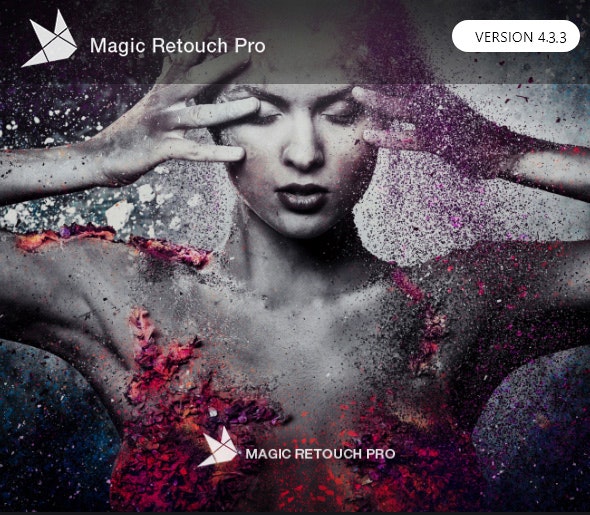
Magic Retouch Pro
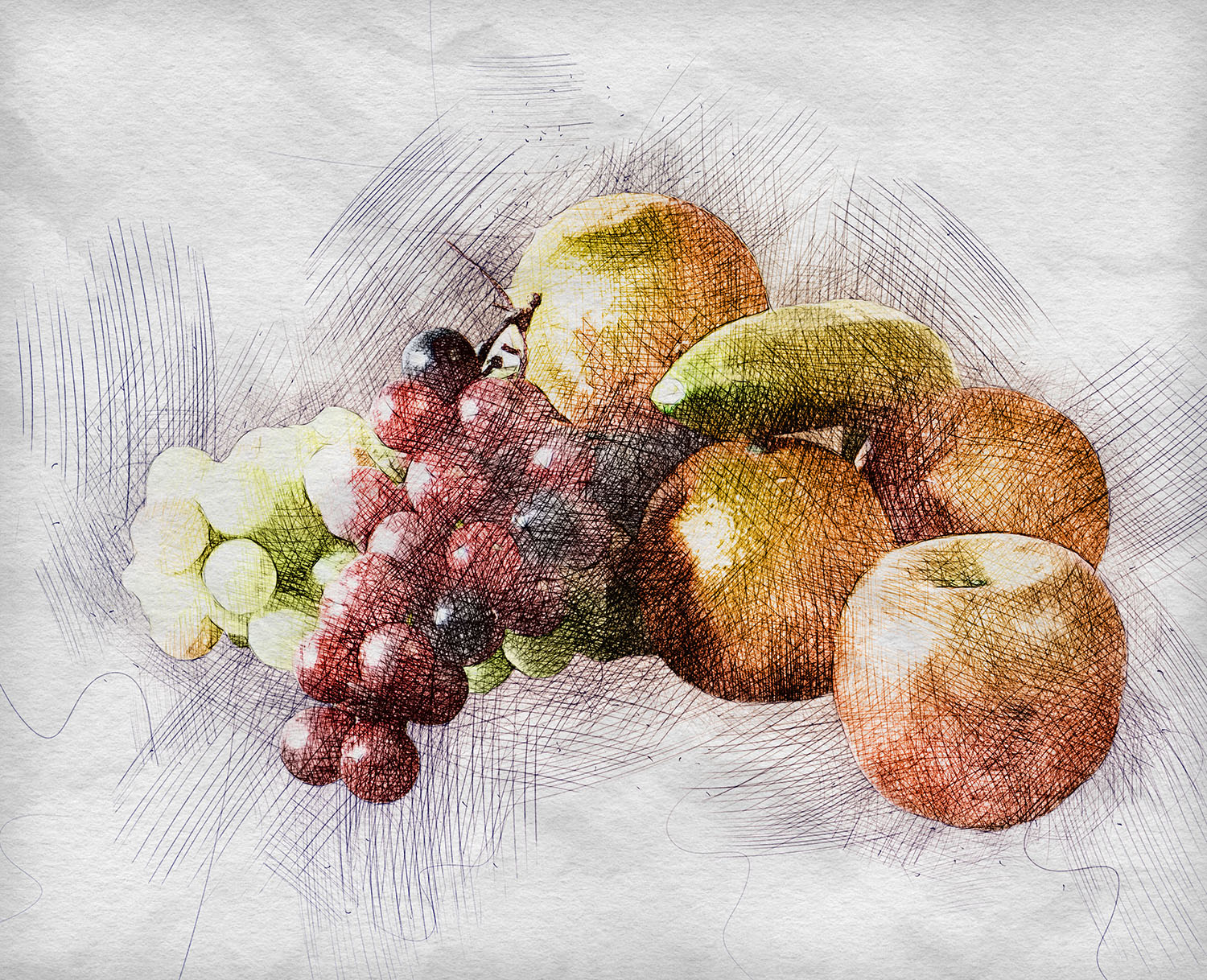
Ação Pintada

Sketch Generator – Draftum – Photoshop Plugin

Caneta Sketch Photoshop Action
Regular updates to keep you informed of the latest graphic news.
Advanced search tools to quickly find what you need.
Every purchase is an investment in improving your graphic skills.
Every visit to GraphiMarket offers new discoveries and learning opportunities.
A wide range of customization options for your graphic projects.
Free resources available for those wanting to explore graphics with no commitment.
Helpful step-by-step tutorials for learning new design techniques.
Practical advice for applying the best design techniques to your work.
This post does a great job explaining what Photoshop actions are and how they can streamline the editing process. It’s helpful for both beginners and experienced users looking to save time on repetitive tasks. I appreciate the practical examples provided, which make it easier to understand their application.
Il contenuto “What Are Photoshop Actions?” offre una spiegazione chiara e accessibile su come funzionano le azioni in Photoshop. È utile sia per i principianti che vogliono risparmiare tempo nei loro progetti, sia per i più esperti che cercano di ottimizzare il proprio flusso di lavoro. Apprezzo la semplicità con cui vengono presentati i concetti, rendendo il tutto facilmente comprensibile.
This post does a great job of breaking down what Photoshop actions are and how they can simplify workflows. It’s helpful for both beginners and more experienced users looking to streamline their editing process. I appreciated the clear examples provided, making it easier to understand their practical applications.
Il contenuto “What Are Photoshop Actions?” offre una spiegazione chiara e utile su come funzionano le azioni in Photoshop. È un ottimo punto di partenza per chi vuole velocizzare il proprio flusso di lavoro e rendere il processo di editing più efficiente. La guida è ben strutturata e accessibile anche per i principianti.
L’articolo offre una spiegazione chiara e dettagliata su cosa siano le azioni di Photoshop e su come possano semplificare il flusso di lavoro nella modifica delle immagini. È utile sia per chi è alle prime armi sia per i professionisti che vogliono velocizzare i loro processi. Ho trovato le informazioni pratiche e facili da seguire.
Il contenuto offre una spiegazione chiara e accessibile su cosa siano le azioni di Photoshop, rendendo facile per i principianti capire come possono semplificare il loro flusso di lavoro. È utile per chiunque voglia risparmiare tempo durante la modifica delle immagini. Senz’altro un buon punto di partenza per esplorare questa funzionalità di Photoshop.
This post does a great job explaining the concept of Photoshop actions in a clear and straightforward way. I appreciate how it breaks down their benefits for speeding up the editing process. It’s a useful resource for anyone looking to enhance their workflow in Photoshop.
This post does a great job of breaking down Photoshop actions and their benefits for photo editing. I found the examples really helpful in understanding how to streamline my workflow. It’s a useful read for anyone looking to enhance their skills in Photoshop.
Il contenuto offre una spiegazione chiara e accessibile su cosa siano le azioni di Photoshop, rendendo facile per chiunque, anche per i principianti, comprendere come possano semplificare il lavoro di editing. Le informazioni sono ben strutturate e forniscono esempi pratici che aiutano a visualizzare l’utilizzo di queste funzionalità. È un ottimo punto di partenza per chi vuole migliorare la propria efficienza con Photoshop.
Il contenuto offre una spiegazione chiara e accessibile su cosa sono le azioni di Photoshop. È utile sia per chi è alle prime armi che per chi cerca di ottimizzare il proprio flusso di lavoro. Ho trovato le informazioni pratiche e facili da seguire.
This post does a great job of breaking down what Photoshop actions are and how they can simplify the editing process. I found the examples really helpful for understanding their practical applications. It’s a useful read for anyone looking to streamline their workflow in Photoshop.
Il contenuto offre una spiegazione chiara e accessibile su cosa siano le azioni di Photoshop e come possano semplificare il flusso di lavoro. È utile sia per chi è alle prime armi sia per i professionisti che vogliono ottimizzare il loro tempo. Ho trovato le informazioni pratiche e facili da seguire.
Ho trovato il contenuto “What Are Photoshop Actions?” molto chiaro e informativo. Spiega in modo semplice come funzionano le azioni in Photoshop e come possono ottimizzare il flusso di lavoro. È un ottimo punto di partenza per chi vuole risparmiare tempo nella post-produzione.
This post does a great job of breaking down what Photoshop actions are and how they can streamline the editing process. As someone who often uses Photoshop, I appreciate the clear explanations and practical examples provided. It’s a helpful resource for both beginners and those looking to enhance their workflow.
Il contenuto spiega in modo chiaro cosa sono le azioni di Photoshop e come possono semplificare il flusso di lavoro. È utile per chiunque voglia risparmiare tempo nelle proprie modifiche fotografiche. Ho apprezzato anche gli esempi pratici che aiutano a capire meglio come utilizzarle.
Il contenuto offre una spiegazione chiara e concisa su cosa siano le azioni di Photoshop, rendendo facili da comprendere anche per i principianti. È utile per chi desidera ottimizzare il proprio flusso di lavoro e migliorare la produttività nel fotoritocco. Apprezzo anche gli esempi pratici che aiutano a visualizzare come utilizzare queste azioni.
Ho trovato il contenuto su “What Are Photoshop Actions?” molto utile. Spiega chiaramente come funzionano e come possono semplificare il flusso di lavoro in Photoshop. È un ottimo punto di partenza per chi è alle prime armi con il programma.
Il contenuto offre una spiegazione chiara e dettagliata su cosa siano le azioni di Photoshop, rendendo il concetto accessibile anche a chi è alle prime armi. Le informazioni fornite aiutano a comprendere come utilizzarle per velocizzare il flusso di lavoro nella modifica delle immagini. È un ottimo punto di partenza per chiunque voglia migliorare la propria esperienza con Photoshop.
Cet article explique clairement ce que sont les actions Photoshop et comment elles peuvent simplifier le flux de travail des utilisateurs. Les exemples donnés aident vraiment à comprendre comment les appliquer dans des projets concrets. C’est une ressource utile pour ceux qui veulent maximiser leur efficacité avec ce logiciel.
This post does a great job of breaking down what Photoshop actions are and how they can streamline the editing process. I appreciate the clear explanations and examples, which make it easier for beginners to understand their practical uses. It’s a helpful resource for anyone looking to enhance their workflow in Photoshop.
Il contenuto offre una spiegazione chiara e dettagliata su cosa siano le azioni di Photoshop, rendendo il concetto accessibile anche a chi è agli inizi. Le informazioni fornite sono pratiche e utili per capire come migliorare il flusso di lavoro creativo. È un buon punto di partenza per chi vuole esplorare le potenzialità di Photoshop.
This post provides a clear and concise overview of Photoshop actions, making it easy to understand their purpose and functionality. I appreciate how it breaks down the process, which is helpful for both beginners and more experienced users looking to streamline their workflow. The examples included really illustrate the practical benefits of using actions in editing.
This post provides a clear and concise explanation of Photoshop actions. It’s helpful for both beginners and experienced users looking to streamline their workflow. I appreciate how it breaks down the concept in an easy-to-understand way.
This post does a great job of breaking down the concept of Photoshop actions. It’s helpful to understand how they streamline workflows and save time, especially for those of us who are often pressed for deadlines. The examples provided really illustrate their practical use in everyday projects.
This post does a great job of breaking down Photoshop actions for beginners. The explanations are clear and helpful, making it easy to understand how they can streamline workflow. I appreciate the practical examples provided, which really illustrate their benefits.
L’articolo offre una spiegazione chiara e dettagliata su cosa sono le azioni di Photoshop. È utile per chi vuole snellire il proprio flusso di lavoro, dato che consente di automatizzare compiti ripetitivi. Ho trovato la parte sui diversi tipi di azioni particolarmente interessante per applicazioni pratiche.