




SandStorm Photoshop Action
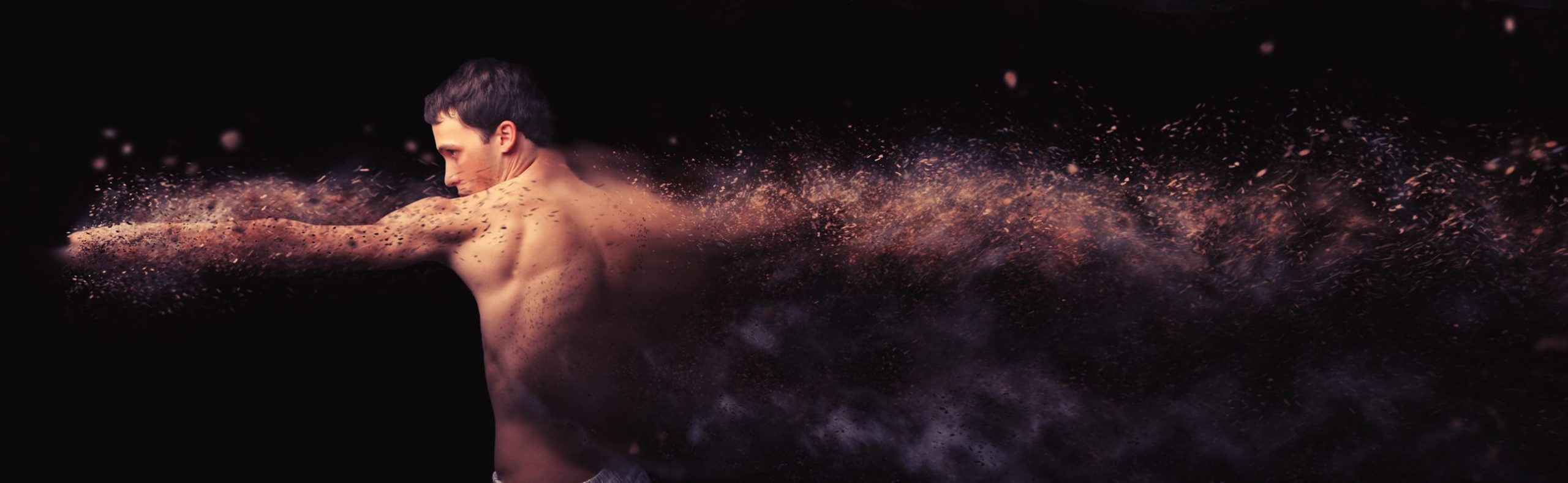
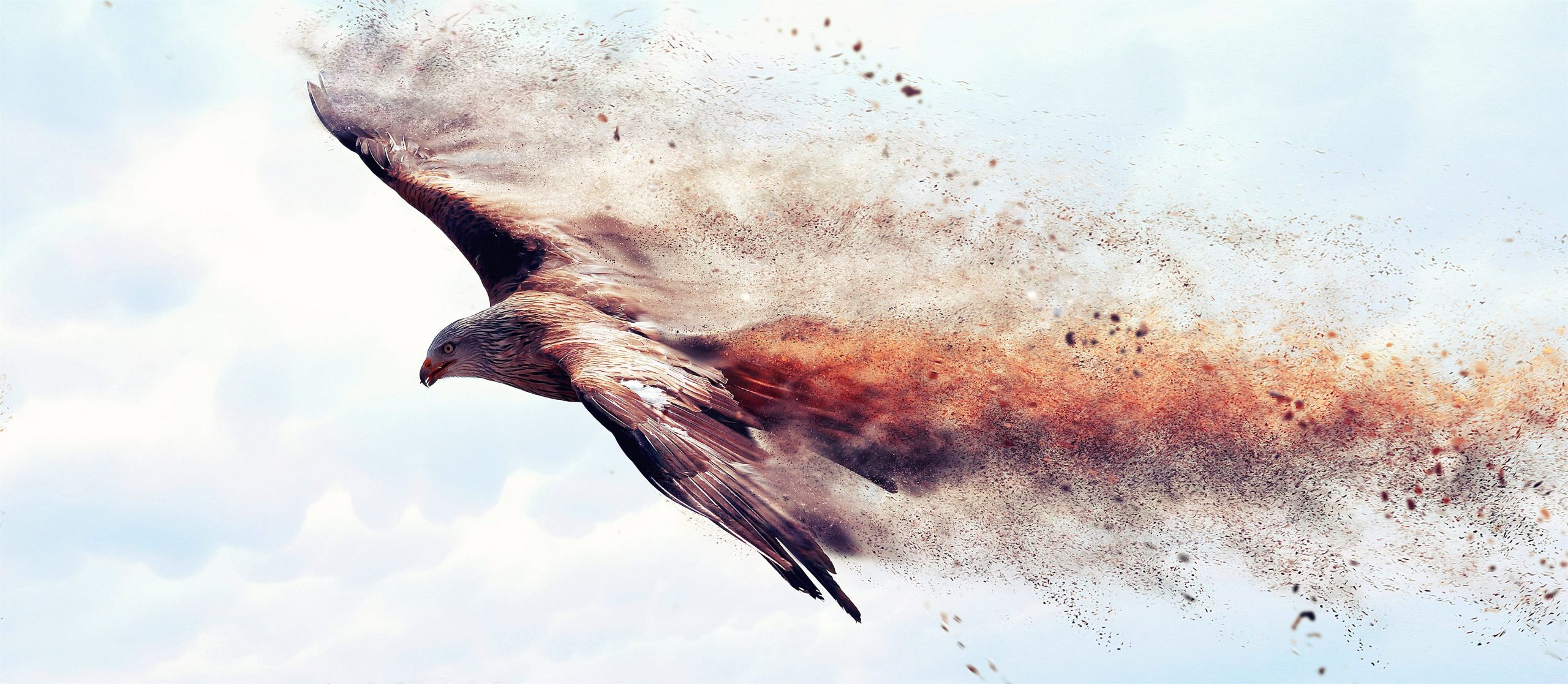
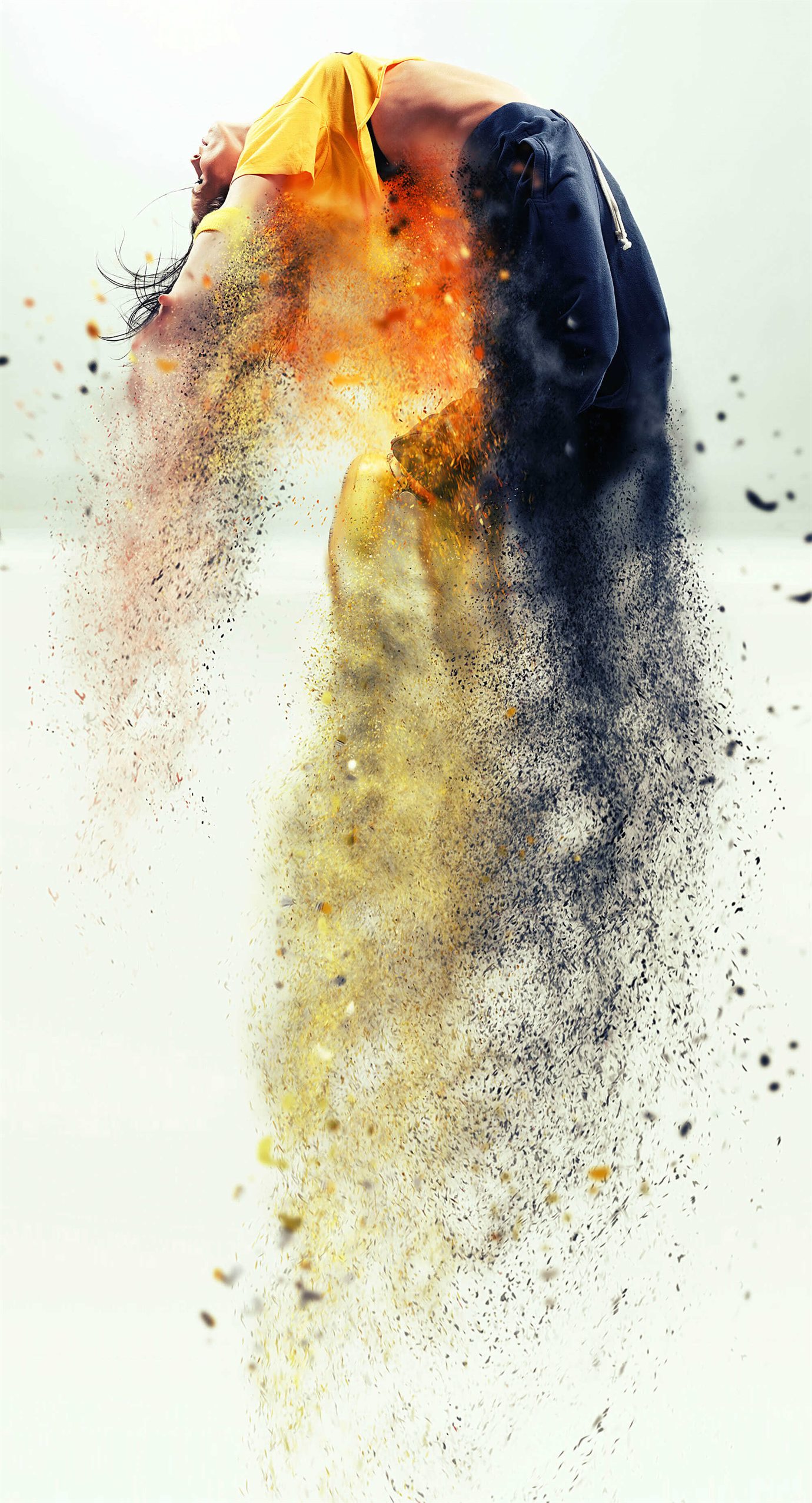
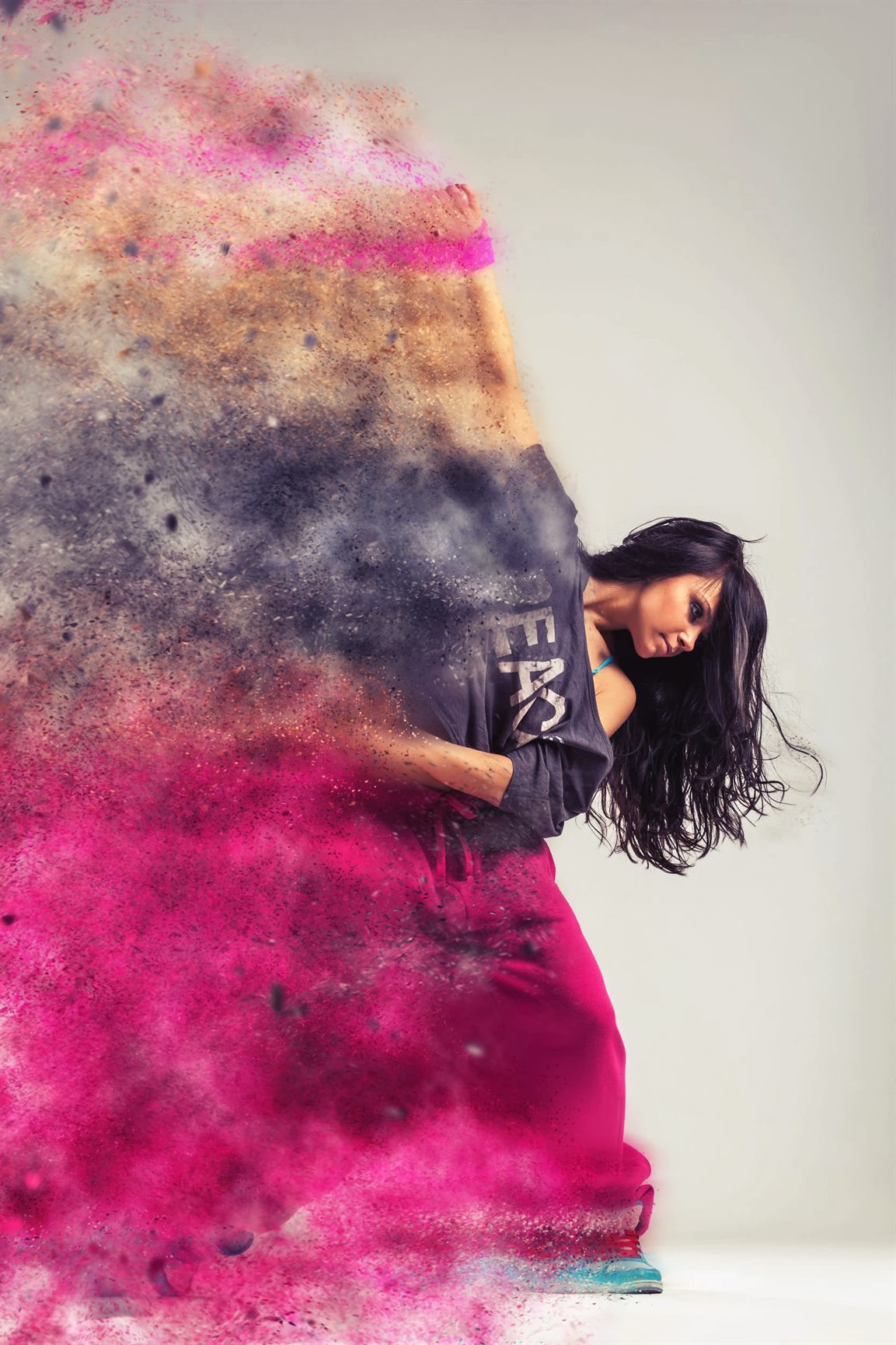
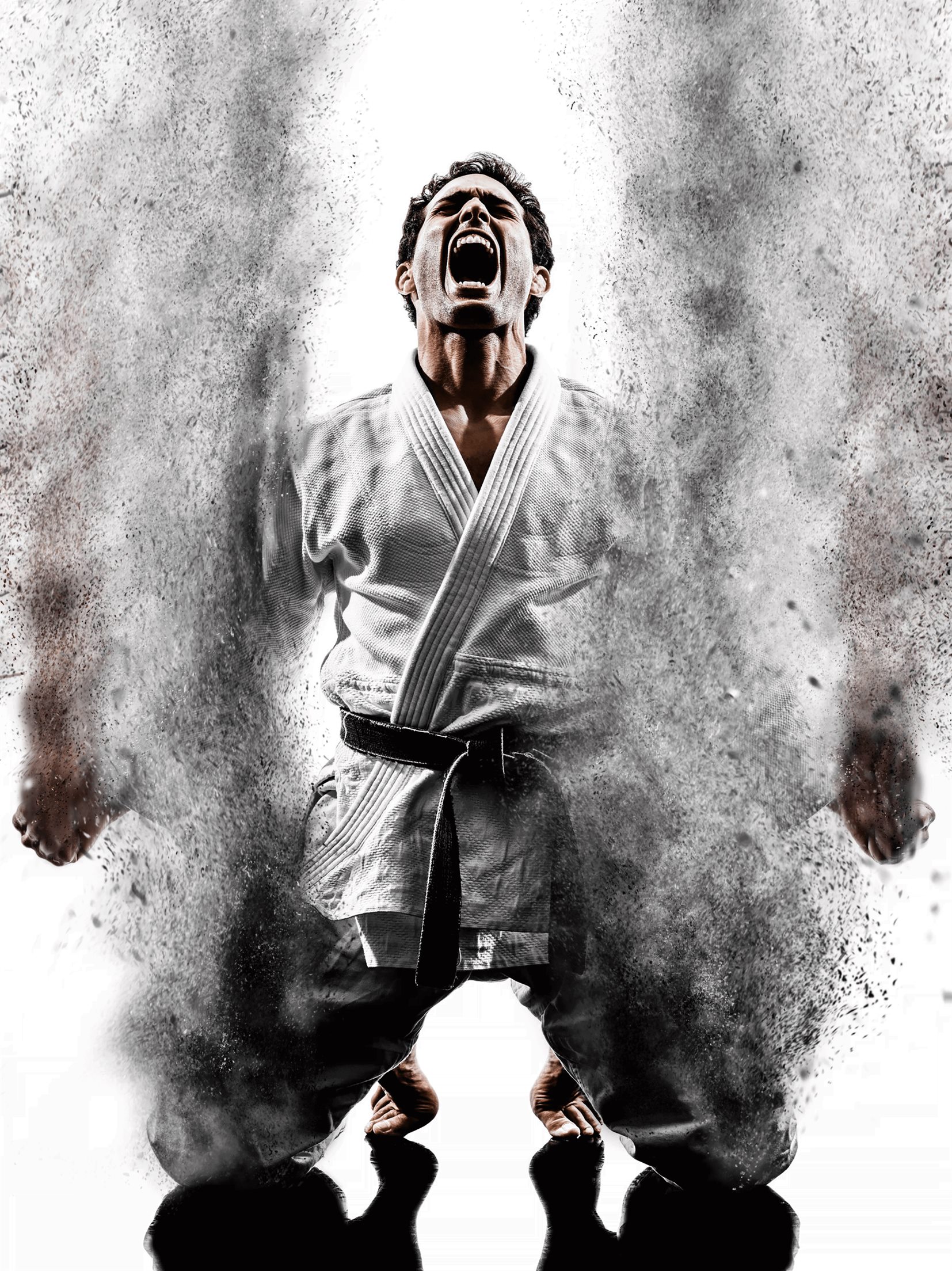
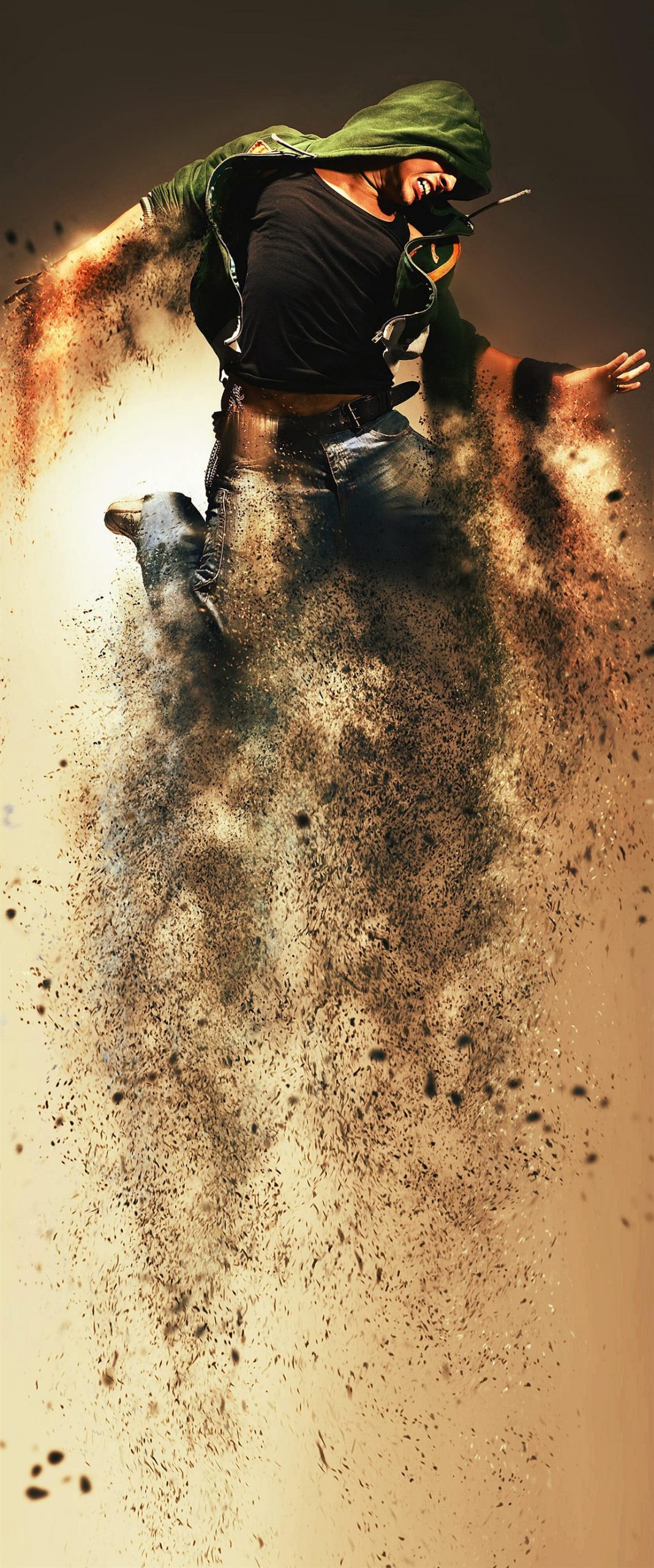
Create this highly detailed effect from your photos with just a couple of clicks. Make sure to watch the customization tutorial on how to get the most out of this effect. This action is designed to save you an immense amount of work per photo.
You can choose from 5 different directions: UP, DOWN, LEFT, RIGHT or MIDDLE
The action has been tested and working on Photoshop CS3,CS4,CS5,CS6,CC,CC 2015.5, CC 2017, CC 2018, CC 2019+
Important to know
- Make sure you are using the English version of Photoshop to run the Action on. All Sevenstyles Actions will only work in the English version of Photoshop.
- Check you are using a version of Photoshop that the Action supports.
- Watch the video tutorial to ensure you have your Photoshop file setup correctly. A link to the tutorial is also included in the ‘Readme.txt’ file in the download. You can view all of my Action tutorials here.
- Use high-resolution photos with the Action for the best results and to avoid errors. An optimal photo resolution is between 2000px – 4500px.
- With Adobe Creative Cloud, you can install multiple versions of Photoshop. If you like this Action but is not supported on your version of Photoshop, you can always install an additional version of Photoshop to run the Action on. Once an Action has been tested and working on a version of Photoshop, it will work forever.
- Use Jpeg images to run the Action on. Other file types such as TIFF, BMP, PNG, PSD can cause issues with Actions, as Photoshop disables various features for different file types.
- If a Sevenstyles Action includes a brush (.abr), pattern (.pat) or shapes (.csh) file in the download, then it must be loaded into Photoshop before playing the Action.
- Avoid using the Action on logos or clip art style images as the lack of detail and color contrast can lead to errors.






Michael Brown –
I recently tried the SandStorm Photoshop Action and found it quite easy to use. It added a unique texture to my photos that really made them pop without overwhelming the original image. Overall, it’s a great tool for anyone looking to enhance their edits with minimal effort.
Sophia Walker –
I recently tried the SandStorm Photoshop Action and found it really easy to use. It added a unique texture to my photos without any hassle, and the results were quite impressive. It’s a great tool for anyone looking to enhance their images with some creative flair.
Lucía Fernández –
I recently tried the SandStorm Photoshop Action and found it really easy to use. The effects it creates add a unique touch to my photos without needing extensive editing skills. It’s a great tool for anyone looking to enhance their images quickly.
Michael Brown –
I recently tried the SandStorm Photoshop Action and found it really easy to use. It transformed my images with impressive textures and effects, making my work stand out without a lot of hassle. Overall, it’s a great tool for anyone looking to add some creative flair to their photos.
Martín Herrera –
I recently tried the SandStorm Photoshop Action, and it really brought my photos to life with a unique, textured look. The application was straightforward, and I appreciated how easily I could customize the effects to suit my style. Overall, it’s a great tool for adding some artistic flair to my work without a steep learning curve.