
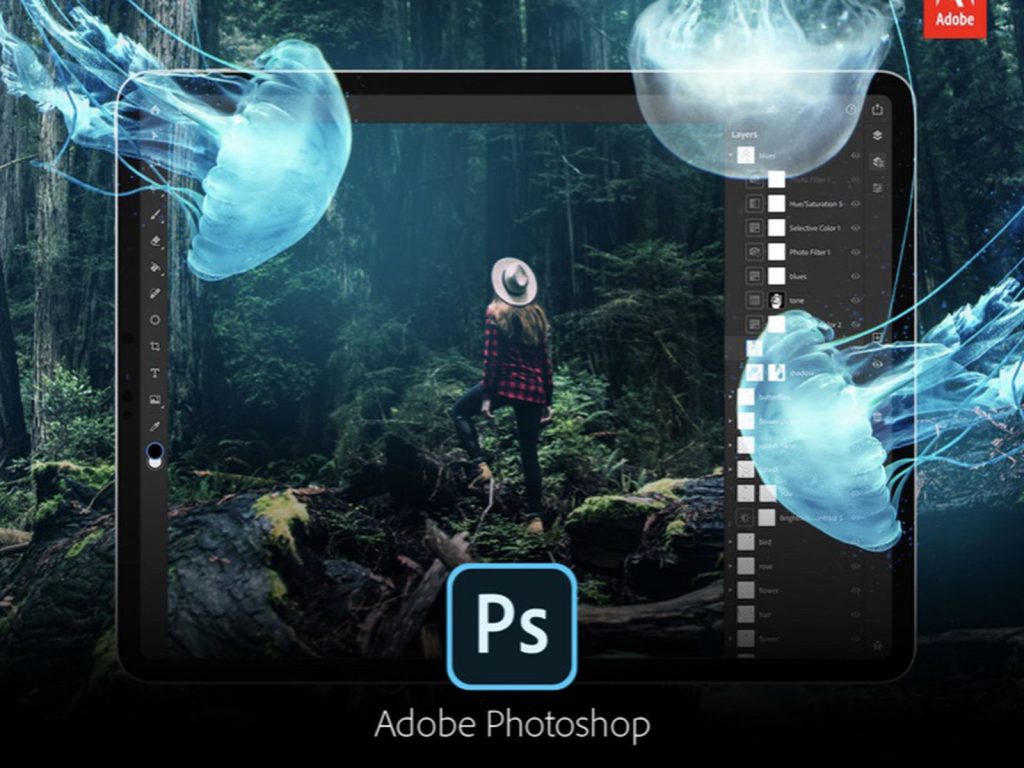
Adobe has released the newest version of Photoshop CC (version 22.0.0) that comes with exciting new AI features for artists, designers, and photographers.
The Smart Portrait Neural Filter lets you control facial expressions of the subject in the photograph.
You can even changed their head direction, light, direction, gaze, and hair thickness.
The Colorize Neural Filter csn turn any black-and-white-photo into a colored photo.
The Pattern Preview feature gives you a real-time infinite preview of the pattern that you’re creating, thus allowing you to create seamless patterns.
Live Shapes are now more enhanced an you can modify them even after reating. You can also reset Smart Objects to their original form no matter how much you’ve transformed them.
In this comprehensive and in-depth tutorial, Photoshop instructor Unmesh Dinda from PIXimperfect takes you through the top 21 new features and updates in Photoshop 2021.
He Provides a demo of each featured and shares useful tips that will improve your Photoshop workflow. Watch below
Ce contenu sur les nouvelles fonctionnalités de Photoshop 2021 est vraiment intéressant. Les explications sont claires et permettent de comprendre facilement comment tirer parti de ces outils pour améliorer ses projets. Je pense que même les utilisateurs moins expérimentés pourront trouver des astuces utiles.
The new features in Photoshop 2021 really enhance the editing experience. I especially appreciate the improved selection tools and the neural filters; they save time and add a lot of creative possibilities. It’s exciting to see how these updates can streamline workflows for both beginners and professionals.
The new features in Photoshop 2021 seem incredibly useful, especially for enhancing workflow and creativity. I’m particularly excited about the improved neural filters and content-aware tools. It looks like there are some great updates that can really benefit both beginners and seasoned users.
Cet article sur les nouvelles fonctionnalités de Photoshop 2021 est vraiment utile pour ceux qui souhaitent optimiser leur flux de travail. Les explications sont claires et bien détaillées, ce qui facilite la compréhension des outils présentés. J’ai particulièrement apprécié les exemples pratiques qui montrent comment chaque nouvelle fonctionnalité peut être appliquée.